Account
The Account tab controls the personal identity and encounter preference noctune currently exposes in Settings.
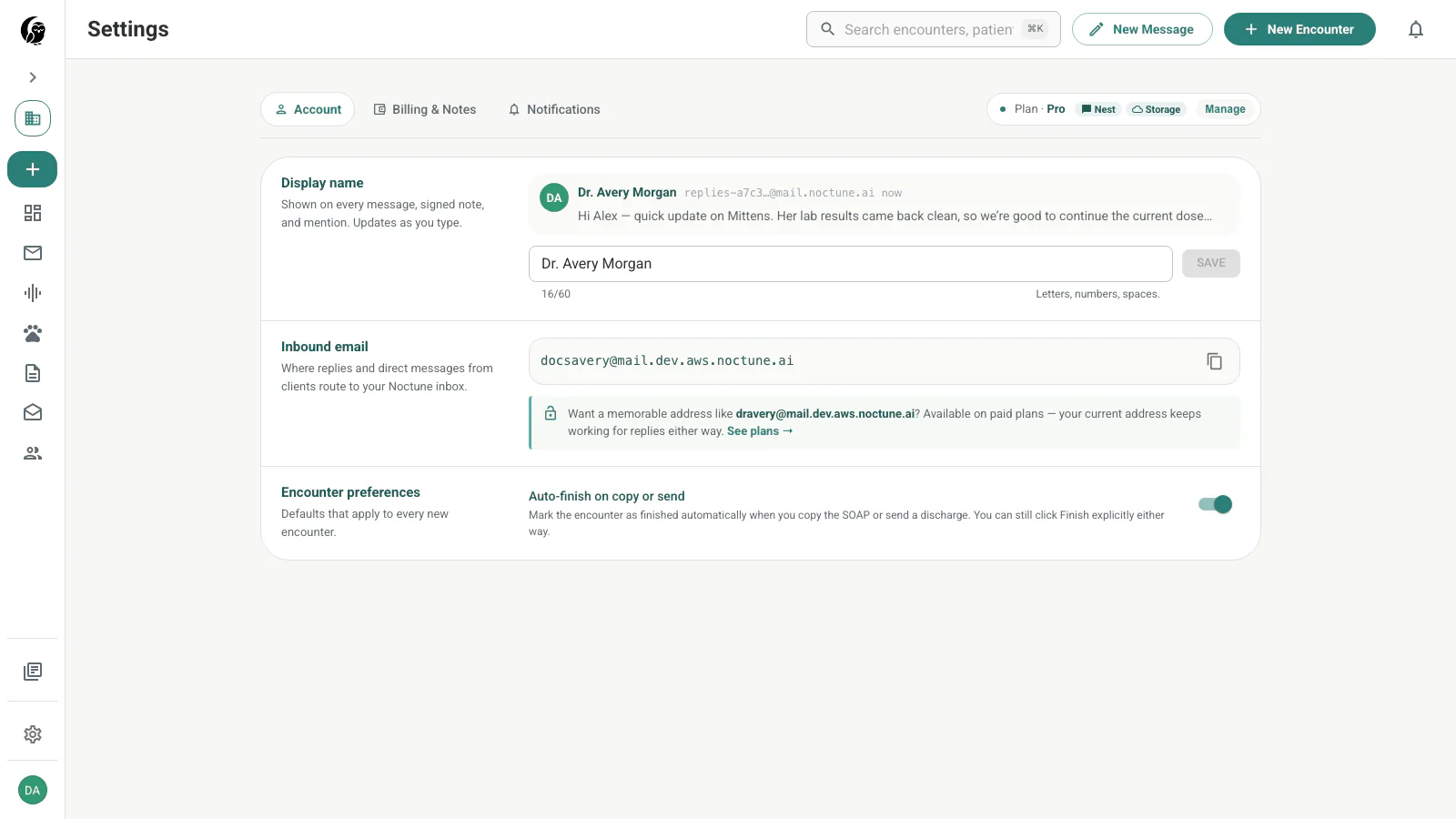
Display name
Your display name appears on messages, signed notes, mentions, and practice membership. The preview shows how it will look in a client reply. Edit the field and choose Save; the button remains disabled when nothing has changed.
The current Account tab derives the avatar initials from this name. It does not provide profile-photo upload.
Inbound email
The inbound section shows your standing noctune mailbox under inbox.noctune.ai. Mail sent to that address appears in Messages without exposing your personal email.
Handle customization is gated by the available account capability. When customization is not available, the section keeps the assigned address visible and links to the relevant billing option.
Encounter preference
Auto-finish on copy or send marks an encounter complete when you copy the SOAP note or send a discharge message. Turn it off if you prefer to finish every encounter explicitly after those actions.
Sign-in credentials
Email-address changes, password changes, linked Google or Apple identities, and global sign-out are not managed by the current Account tab shown above. Use the authentication flow presented on the sign-in screen or contact support when an account identity needs administrative help.