Patients
Patient Records brings each animal’s encounters and extracted clinical trends together. Use All Patients, Active, or Recent, and search by patient or owner details.
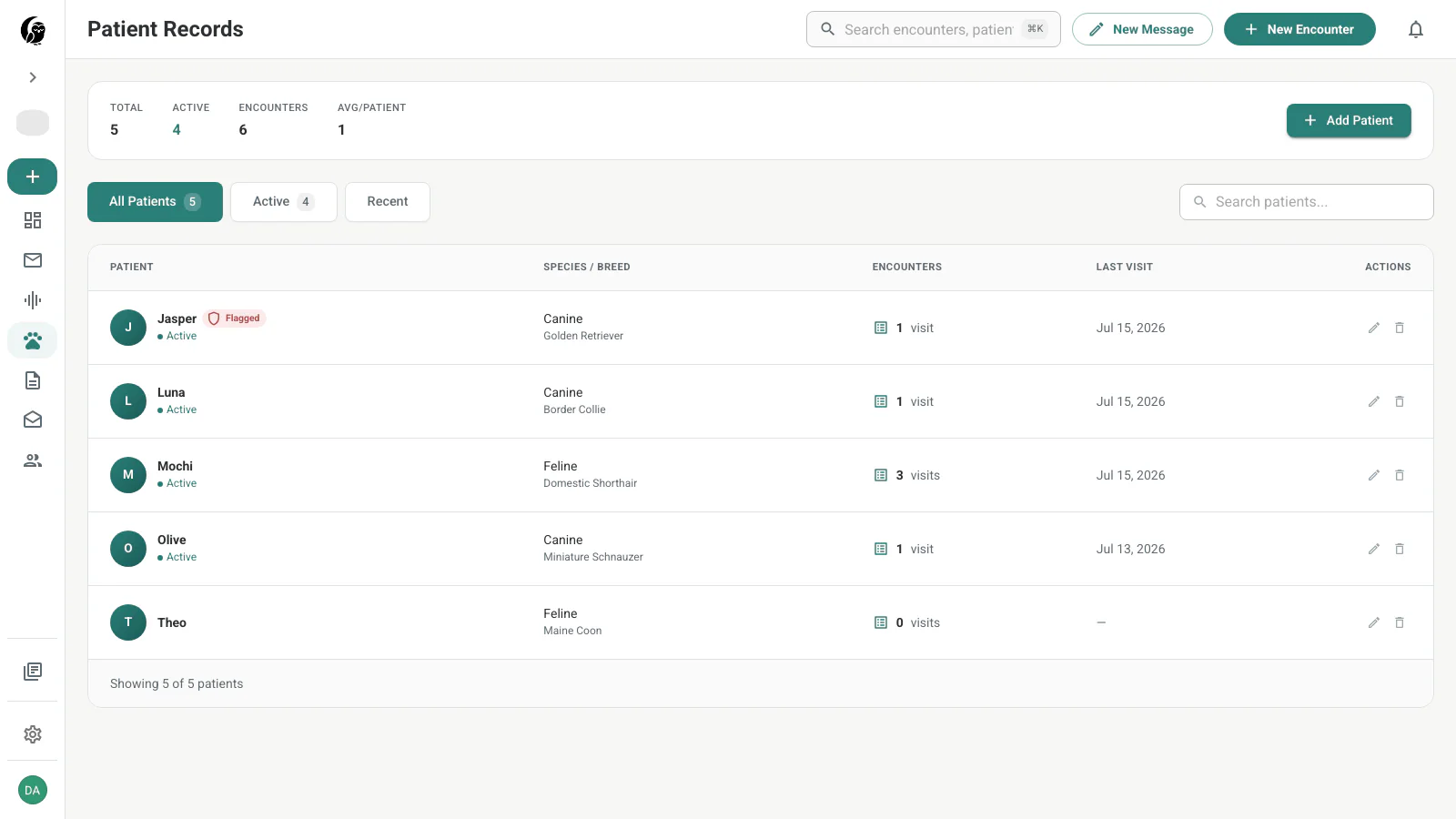
Add a patient
Choose Add Patient, enter the patient name, and confirm. This lightweight form is designed for quick capture; the current web dialog does not ask for species, breed, sex, birth date, or owner contact.
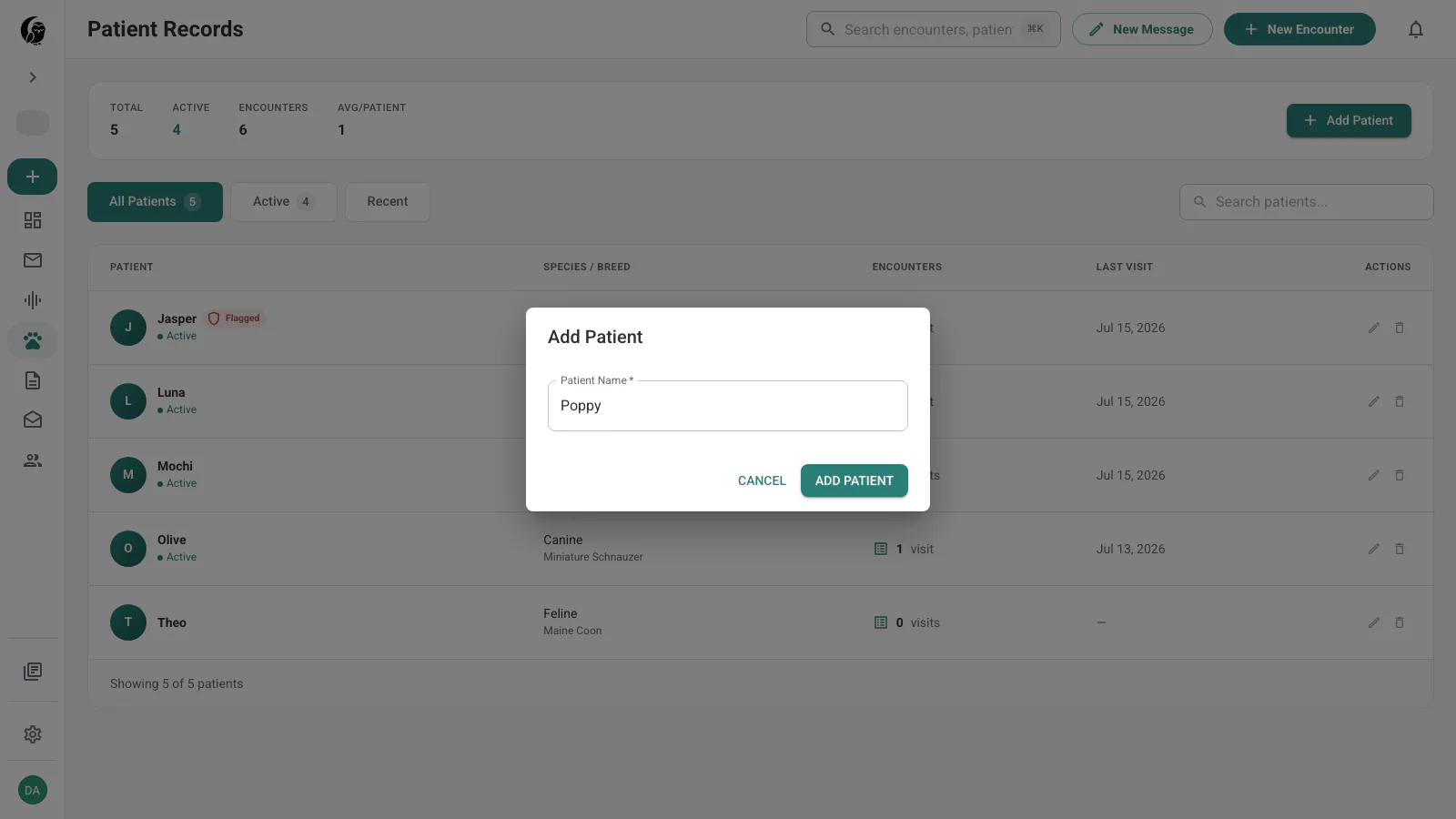
You can also create a patient from the selector in the New Encounter drawer.
Patient profile
The profile header summarizes available species and breed information, encounter count, last visit, and status. When an owner email is on file, Email owner opens a pre-addressed message.
Vitals discussed in encounters appear as trends for weight, temperature, heart rate, respiratory rate, and body-condition score. These are AI-extracted values, so verify them against the transcript before making a clinical decision.
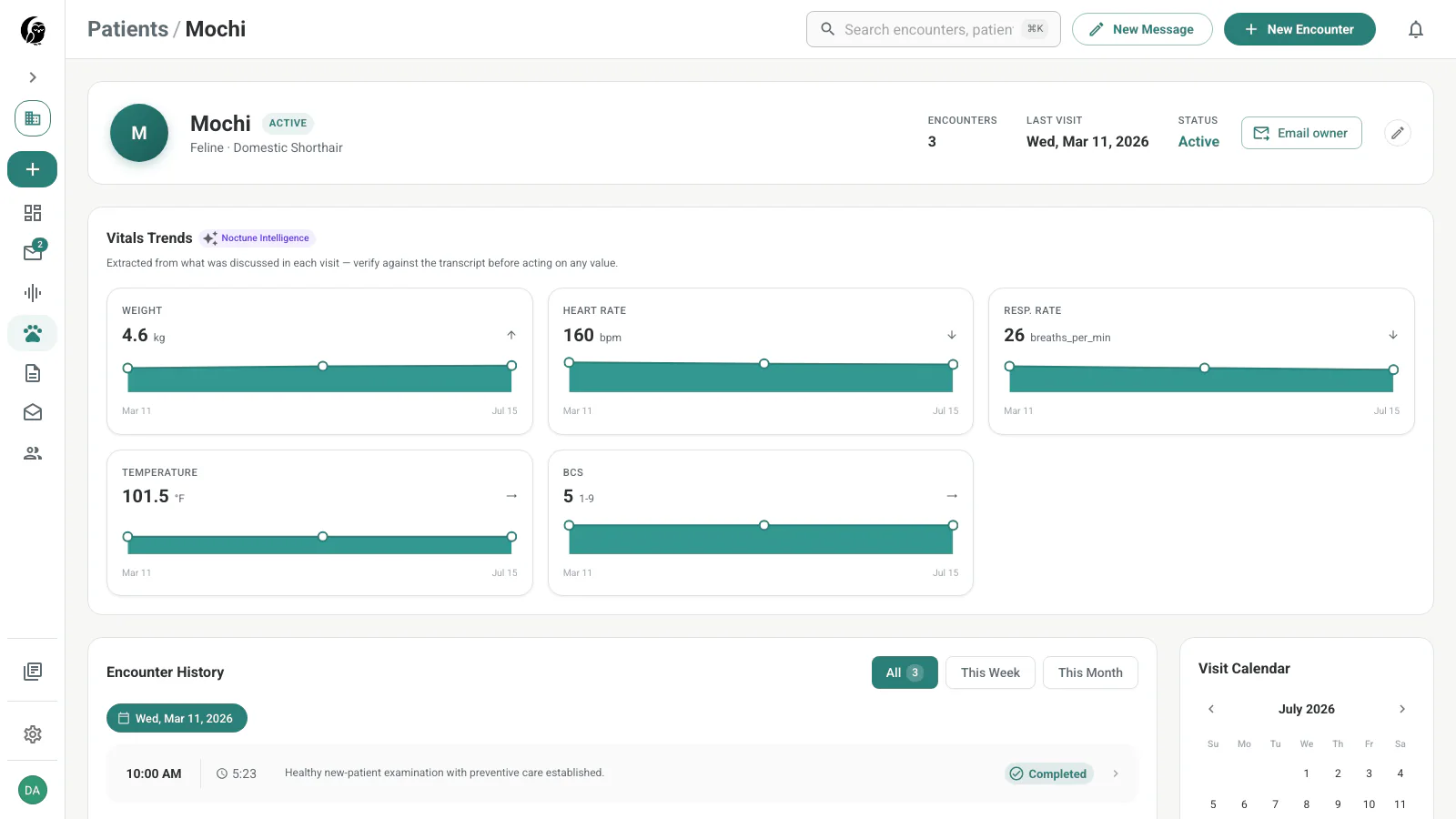
The Encounter History section below the trends lists the patient’s visits and opens the underlying record.
Prior-visit context during review
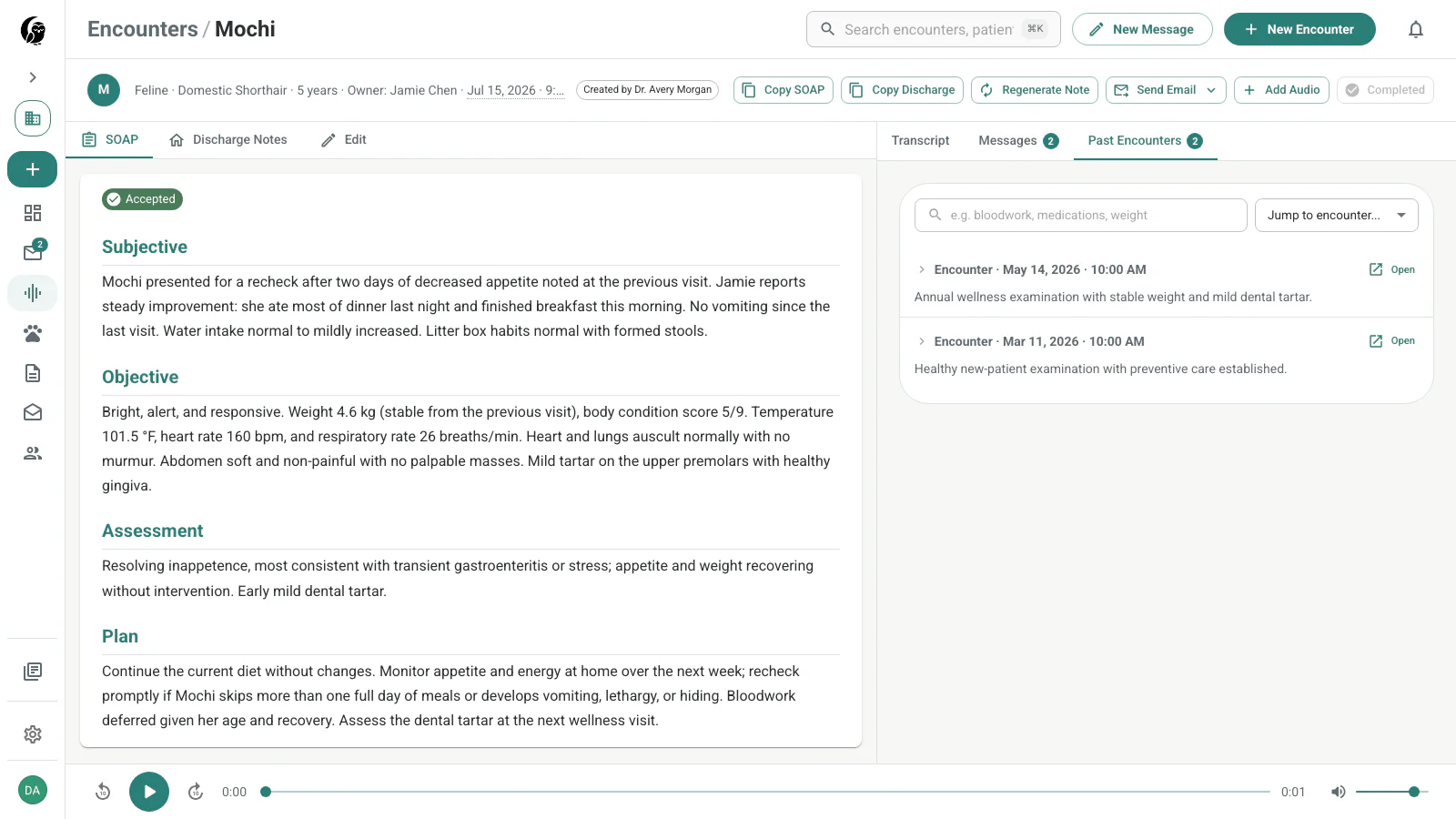
An encounter’s Past Encounters tab keeps the patient’s earlier clinical summaries next to the current note. Search the history, expand a visit, or open the full prior encounter in a new tab.
Rename or remove a patient
Use the pencil action in the list or profile to rename a patient. The trash action in the list opens Remove Patient. Removal archives the patient so it no longer appears in the active list; existing transcripts and SOAP notes are not deleted.